01
Decision first
Put the information needed to choose—availability, conflicts, provenance, and the next action—inside the primary surface.
Scarlet Sync Design System · reference v0.3
Use the shared primitives first. This catalog distinguishes production-ready components from legacy patterns and exploratory compositions.
The rules that should survive changing layouts, visual trends, and feature-specific color families.
01 · Direction
01
Put the information needed to choose—availability, conflicts, provenance, and the next action—inside the primary surface.
02
Use color to communicate identity or state. Keep structural surfaces neutral so dense academic data remains scannable.
03
Start with a compact summary, then reveal detail through expansion, a side panel, or a dedicated workspace.
04
Semester, section IDs, saved-list membership, filters, and handoff destinations must survive navigation and retries.
05
Label live versus cached data, identify its source, and show when it was retrieved whenever freshness affects a decision.
06
Every pointer interaction needs a keyboard path, visible focus, semantic label, and reduced-motion equivalent.
Cuelume synthesizes sound through Web Audio; supported devices add a restrained vibration pattern. Both are user-controlled and meaningful actions only by default.
No audio assets · graceful fallback · reduced-motion aware
Browsers require a user gesture before audio. Vibration is unavailable on many desktop and iOS browsers, so haptics safely become a no-op there.
Use semantic names in shared recipes. Raw values belong at the token boundary, not repeated across feature pages.
02 · Foundations
Identity and primary product actions
#CC0033Primary action, active brand mark
#A00D25Primary hover and pressed states
#FFF1F3Brand-tinted soft surface
Structure, typography, and quiet hierarchy
#020617Dark canvas and strongest text
#334155Supporting text and icons
#E2E8F0Borders and separators
#F8FAFCGrouped page background
#FFFFFFPrimary light surface
State communication, always paired with text or icon
#059669Open, completed, connected
#D97706Attention, partial, stale
#E11D48Closed, error, destructive
#0284C7Help, live data, neutral notice
#7C3AEDAI-generated or assisted action
Modal, sheet, popover, context, command, and transient map material only
var(--ss-overlay-surface)Canonical opaque transient panel fill
var(--ss-overlay-border)Transient panel edge
var(--ss-overlay-scrim)Modal backdrop only
var(--ss-overlay-blur)One bounded blur role; zero in the canonical and reduced-transparency policy
System font for UI, monospace only for canonical IDs, indexes, and code.
Display
Academic planning, in sync.
36–48 / 1.05 / 600Page title
Course discovery
24–30 / 1.25 / 600Section title
Saved course lists
24 / 1.25 / 600Card title
Data Structures
16 / 1.4 / 600Body
Compare sections, instructors, and meeting times.
14 / 1.7 / 400Label
LIVE AVAILABILITY
11 / 1.3 / 700Data
01:198:112 · index 07291
12 / 1.5 / 500 monospace-14 pxTight icon and inline gapsspace-28 pxControl internals and badge gapsspace-312 pxCompact row paddingspace-416 pxDefault card paddingspace-520 pxComfortable panel paddingspace-624 pxSection card paddingspace-832 pxMajor internal separationspace-1248 pxPage-section rhythm10 pxInputs, buttons, segmented items
16 pxRows, cards, compact panels
24 pxHero and large workspace panels
999 pxBadges, chips, avatars; never dense cards
noneInset and table surfaces
shadow 1Default cards
shadow 2Floating controls and sticky chrome
shadow 3Dialogs, launchers, preview panes
Controls share a minimum height, focus treatment, semantic intent, and plain-language label. Icon-only actions require an accessible name and tooltip.
03 · Inputs
Primary
One highest-priority action per region
Secondary
Important action without brand dominance
Quiet
Low-emphasis utility inside a surface
Danger
Destructive action after clear intent
AI assist
Action explicitly powered by the assistant
Course code, title, instructor, or keyword
The active term stays visible when filters change.
Filter chips
Cards are defined by purpose and anatomy—not by feature color. Domain-specific content fills stable slots.
04 · Surfaces
Surface styles beyond rounded boxes
Editorial edge
Use a square surface and accent rule for dense summaries.
Open row
Dividers can group content without creating another container.
Split tile
Good for places and utilities.
Graphic block
Reserve for calls to action and orientation.
Anatomy
Dashboard and overview metrics
Avoid: More than one primary action
Anatomy
Courses, programs, people, places
Avoid: Duplicating the same identifier in every field
Anatomy
Search results and generated schedules
Avoid: Hiding availability or conflicts behind another click
Anatomy
Events, notifications, list management
Avoid: Card-on-card nesting
Anatomy
Scheduling, maps, assistant canvas
Avoid: Page-level padding inside every nested region
Anatomy
No results, no saved data, permission gates
Avoid: Generic “nothing here” copy
Shared entity-card reference
Canonical01:198:112
Decision-card reference
ExperimentalIdentity, availability, comparison facts, provenance, and action in one bounded surface.
Fall 2026 · 4 credits
1 of 6 openComputer Science core · prerequisite satisfied
A complete component is not only its happy path. Loading, empty, stale, error, permission, success, disabled, and partial states belong in the design contract.
05 · Feedback
Loading
Name the object and preserve the page skeleton.
Empty
Explain which constraints produced the state.
Error
Preserve the last trustworthy result and its timestamp.
Success
Confirm the object and destination, not only “Success”.
Permission
Keep the intended destination through authentication.
Stale data
State source and freshness when a decision may have changed.
Use banners or field-level messages for recoverable outcomes. Reserve dialogs for decisions that need explicit confirmation.
“Section 07291 added to Fall 2026” is actionable. “Success” forces the student to reconstruct what changed.
Scarlet Sync has domain objects that generic UI kits do not understand. These patterns standardize what must remain visible across handoffs.
07 · Product language
Heroicons outline is the default. Use a filled icon only for a selected state or compact emphasis.
Scheduling
Plans, semesters, and time
Degree
Programs and requirements
Transit
Routes and arrivals
Location
Places, rooms, and parking
Conversation
Assistant and class chat
People
Friends, instructors, groups
Alert
Snipes and notifications
Course
Catalog and saved lists
Feature color lives at the route-family level. Component semantics remain stable so an error still reads as an error on every canvas.
08 · Expression
Product home, maintained references, support, and public utility surfaces.
Quiet, solid academic reading and comparison surfaces.
A restrained violet rail identifies dense section controls and timetable decisions.
A restrained emerald rail identifies requirements and plan actions.
A restrained amber rail identifies feeds, campus services, and outreach.
A restrained sky rail identifies maps, live status, and utility data.
Dedicated full-height workspaces with solid decision panels.
A restrained rose rail identifies personal data, connections, and community context.
Focused entry and callback routes that intentionally suppress product chrome.
Coverage status describes system alignment, not product quality. Specialized workspaces can be aligned while intentionally looking different.
09 · Audit
Dashboard
Core shell
Scheduling
Scheduling
Explore / Courses
Catalog
Course utilities
Scheduling
Degree planning
Planning
Events / Dining
Campus life
Campus utilities
Utility
Ask Scarlet Sync
Assistant
Profile / Friends
Account
Auth / Onboarding
Auth
These are release criteria for shared primitives—not optional polish applied after visual approval.
10 · Quality
Actions
Start with a verb: “Save schedule”, “Compare sections”, “Clear filters”.
Errors
Say what failed, what remains safe, and how to recover.
Empty states
Name the absent object and the active constraint that caused it.
Academic IDs
Pair the canonical ID with a human title; distinguish course codes from section indexes.
Freshness
Use source + retrieved time + live/cached label when data can change.
AI
Label generated content and distinguish a suggestion from a committed change.
Privacy
Name the audience explicitly: private, accepted friends, or public.
The target is not one giant component library. It is a small reliable core with domain composition layered on top.
11 · Engineering
Interactive platform examples
CanonicalReal controls and content patterns—not only an API inventory.
Course collection toolbar
Search, filter, change density, and create.
4 credits · Busch · MW 2:15 PM · prerequisite satisfied
3 credits · Livingston · TTh 10:20 AM · 2 alternatives
Status feedback
Interactive examples are ready.
Degree complete
76%
+12 credits
Hill Center
Busch · 6 min walk · 3 rooms open
| Primitive | Owns | Variants | Current | Target |
|---|---|---|---|---|
| Generated assistant panel | bounded typed composition, evidence, fallback, local filtering/checklists | metric · comparison · checklist · invalid | app/ai-assistant/workspace/AssistantGeneratedPanel.tsx | Experimental model-composed presentation; no record mutations |
| Button / IconButton | size, intent, disabled/loading, focus, accessible icon label | primary · secondary · quiet · danger · AI | app/Components/Button.tsx | Shared primitive; legacy variants remain compatible |
| Surface / PageOrientation | radius, border, elevation, padding, route orientation | inset · card · floating | app/Components/OperationalPage.tsx + --ss tokens | Shared operational foundation |
| Status | semantic tone, icon, text label | neutral · positive · warning · critical · information | OperationalStatus / Status | Universal semantic state vocabulary |
| Field | label, help, error, disabled, focus | text · search · select · textarea | app/Components/Field.tsx | Canonical shared field shell; compatibility adapter removed |
| EntityCard | identity, metadata, status, actions | course · program · person · location | Feature-specific cards | Shared anatomy, domain slots |
| DataState | loading, empty, error, stale, partial, retry | inline · panel · page | OperationalState / DataState | Shared state contract |
| Modal / Sheet | focus trap, escape, initial/restored focus, scroll lock, title, semantic transient material | dialog · alertdialog · bottom sheet · right sheet | app/Components/Modal.tsx + app/Components/Sheet.tsx | Canonical accessible overlay shells |
| Context menu / Mobile filter sheet | position or dock clearance, keyboard entry, dismissal, restored focus, semantic transient material | pointer menu · mobile bottom menu · route filter sheet | app/Components/ContextMenu.tsx + app/Components/MobileFilterSheet.tsx | Canonical task-local transient shells |
| Search / Assistant overlays | command or conversation continuity, focus containment/restoration, nested scrolling, semantic transient material | populated · empty · loading · error · narrow | app/Components/UniversalSearch/SearchDialog.tsx + app/Components/Assistant/AssistantModal.tsx | Canonical service-backed transient workspaces |
| Specialized decision overlays | approval safety, schedule diagnosis, anchored tour steps, research-detail inspection, canonical transient lifecycle | alertdialog · diagnostic dialog · anchored tour · responsive detail dialog | ToolApprovalModal + NoScheduleModal + OnboardingTour + AccessibleResearchDialog | Canonical material with feature-owned content and dismissal policy |
| Contextual help | hover/focus/tap access, viewport placement, Escape/outside dismissal, text description | short · long · viewport edge | app/Components/InfoTooltip.tsx | Canonical supplemental help; primary facts and warnings remain visible |
| Provenance | source, retrieved time, freshness, kind | live · cached · generated · checked-in · user-provided | OperationalSource / Provenance | Shared data-footnote |
Types define allowed choices. Recipe objects map choices to complete class strings. Components own semantics and behavior. Pages compose them without redefining their states.
type ButtonIntent = 'primary' | 'secondary' | 'quiet' | 'danger' | 'ai';const buttonRecipes: Record<ButtonIntent, string> = { ... };<Button intent="primary" loading={isSaving}>Save schedule</Button>Reference compositions for scheduling, degree search, maps, events, room availability, and dining. Each example keeps the decision, state, provenance, and next action together.
12 · Product workflows
Scheduling
ExperimentalWeekly schedule
Schedule 1 of 7 · 19 credits
Degree search
ExperimentalMaps
ExperimentalLot 54 · Busch
Available now · commuter
Events
ExperimentalRoom availability
ExperimentalDining
Experimental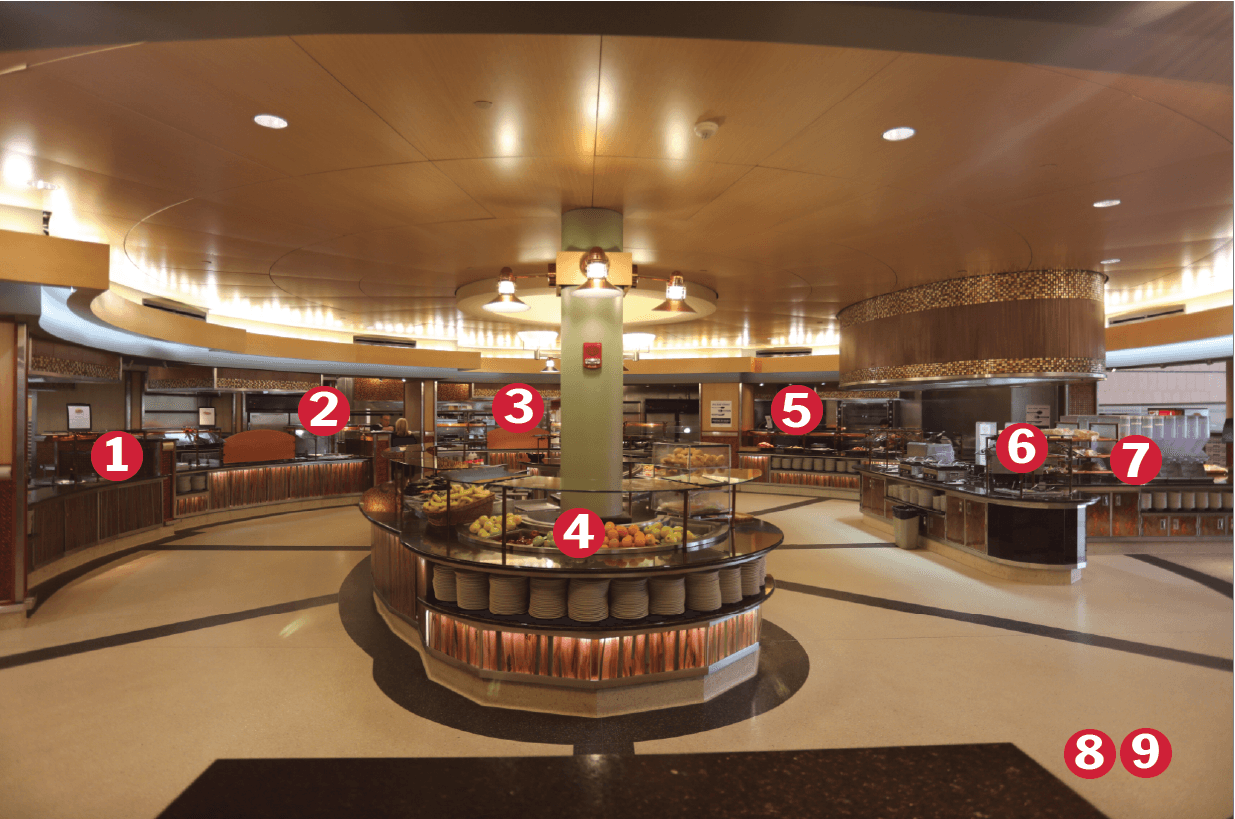
Livingston
Dinner · 78 items
Standardize the shared vocabulary first, then migrate coherent workflows. Do not halt product work for a single all-at-once component rewrite.
13 · Roadmap
Now
New work has a shared vocabulary.
Next
Repeated class strings begin disappearing.
Then
Whole journeys become internally consistent.
Ongoing
Consistency remains measurable.
A top section should orient the student with context, state, and a useful next action. These patterns offer different levels of personality without becoming empty decoration.
14 · Orientation
Editorial masthead
Lead with purpose, one useful fact, and one next action.
Operational brief
Tuesday · Fall 20262:15 PM
Next class
2
Open snipes
76%
Degree
Context bar
Progress orientation
Two core requirements and one capstone remain in the current plan.